
Pro sensors for Glance: System Health
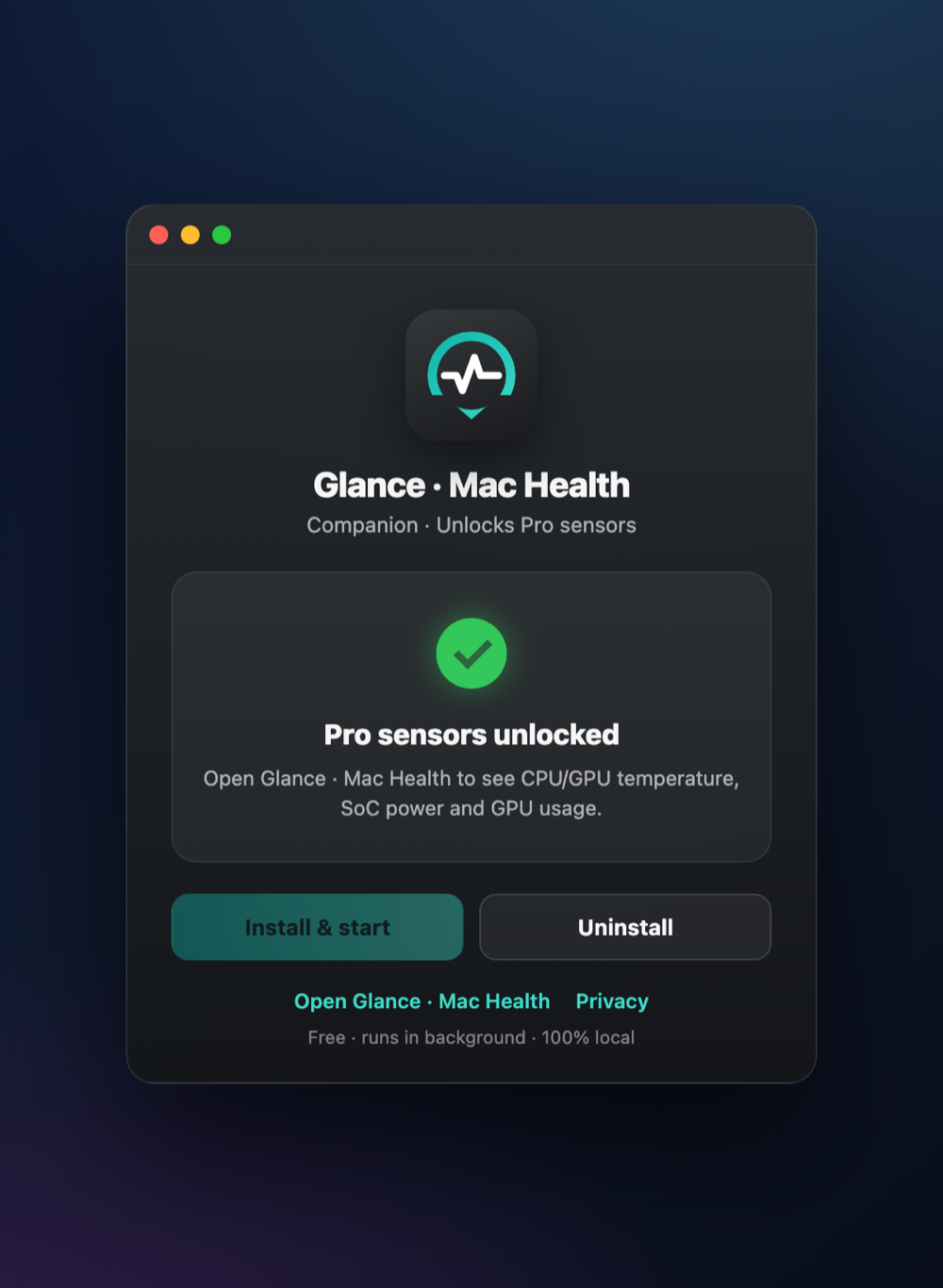
A free, optional app that unlocks the sensors macOS does not expose to App Store apps:CPU & GPU temperature, SoC power (watts) andGPU usage. When it runs, Glance: System Health shows them alongside everything it already measures.
Always free · Notarized by Apple · .dmg · macOS 14+ · Apple Silicon.
How it looks in Glance: System Health
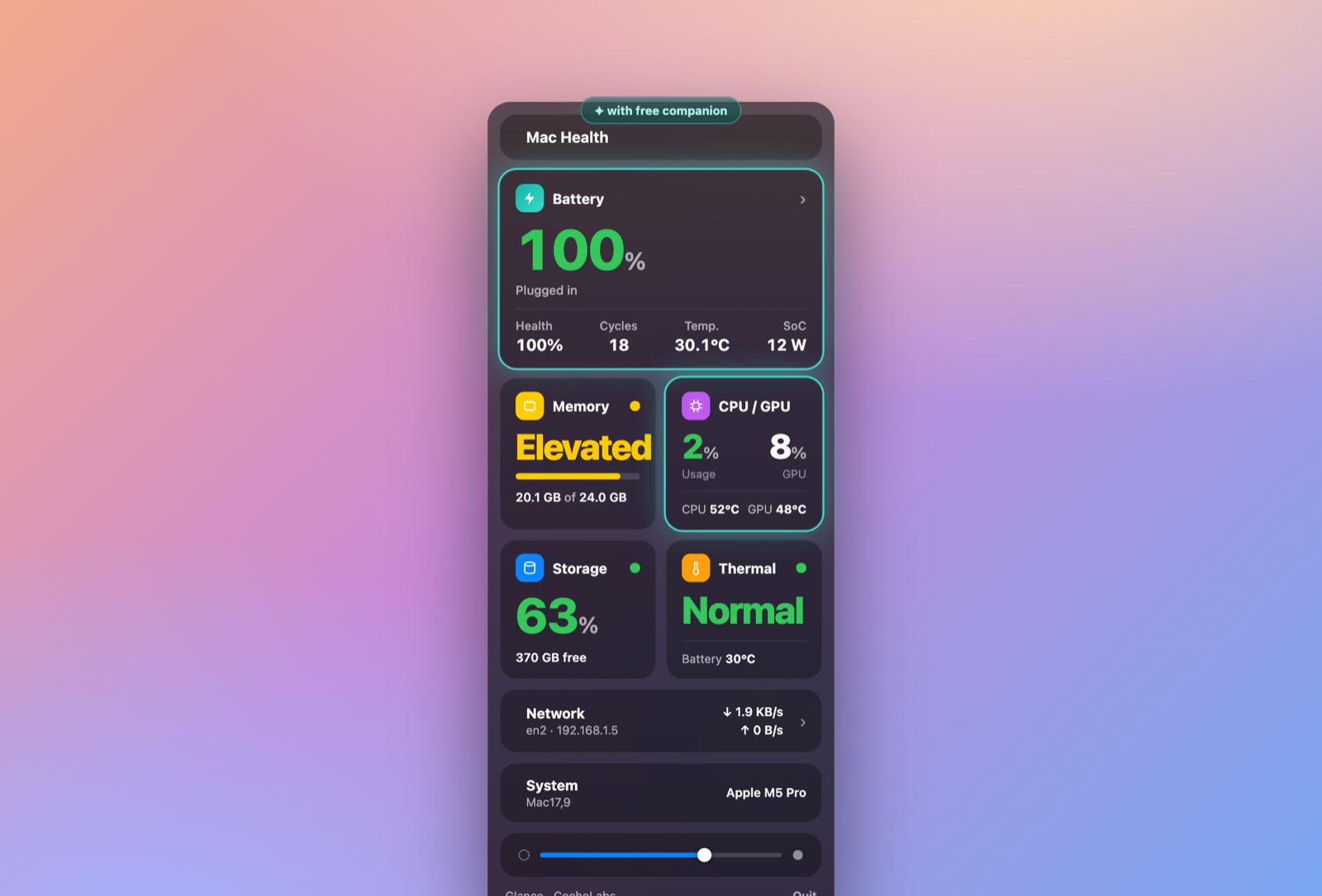
With the companion running, the Battery and CPU/GPU cards in Glance: System Health light up with the Pro readings — CPU/GPU temperature, SoC power and GPU usage (highlighted below). The rest of the menu-bar panel works exactly the same without it.
Glance works fully without it
You do not need the companion. Glance: System Health is completely functional on its own — battery, energy, memory, CPU, storage, thermal status and network all work without it. The companion only adds the extra Pro sensors. It is installed separately by you, outside the App Store, and it is always free.
How to install
- 1Download the .dmg above and open it.
- 2Drag Glance · Mac Health Companion into your Applications folder.
- 3Open the app. It's notarized by Apple, so it opens cleanly; if macOS asks, click Open.
- 4Click Install & start. It sets up a background service that runs on login — no admin password needed.
- 5Open Glance: System Health — CPU/GPU temperature, SoC power and GPU usage now appear.
Requirements
- macOS 14 (Sonoma) or later
- Apple Silicon Mac
- Glance: System Health installed — get it on the Mac App Store
100% local
The companion runs entirely on your Mac. No sensor data ever leaves your computer — no servers, no telemetry, no accounts. See ourprivacy policyfor details. To remove it later, open the companion and click Uninstall.